
Shoes
Compare silhouettes, soles and fastening details in the footwear listings. Open a pair to inspect its available style photos and QC references before continuing to EastMallBuy.
Find the piece. Look closer. Keep the link. Explore EastMallBuy finds with product photos and available QC references.
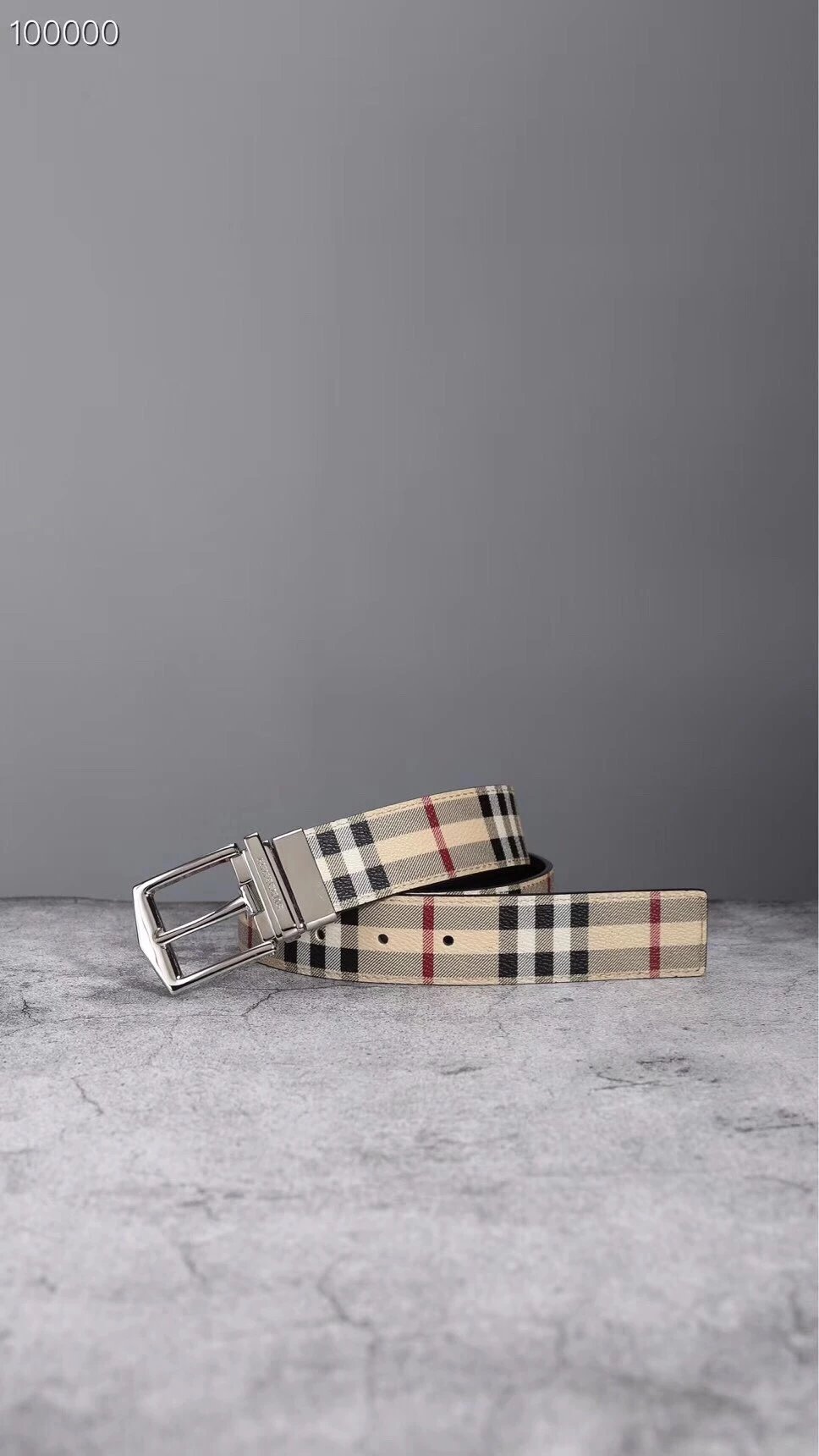
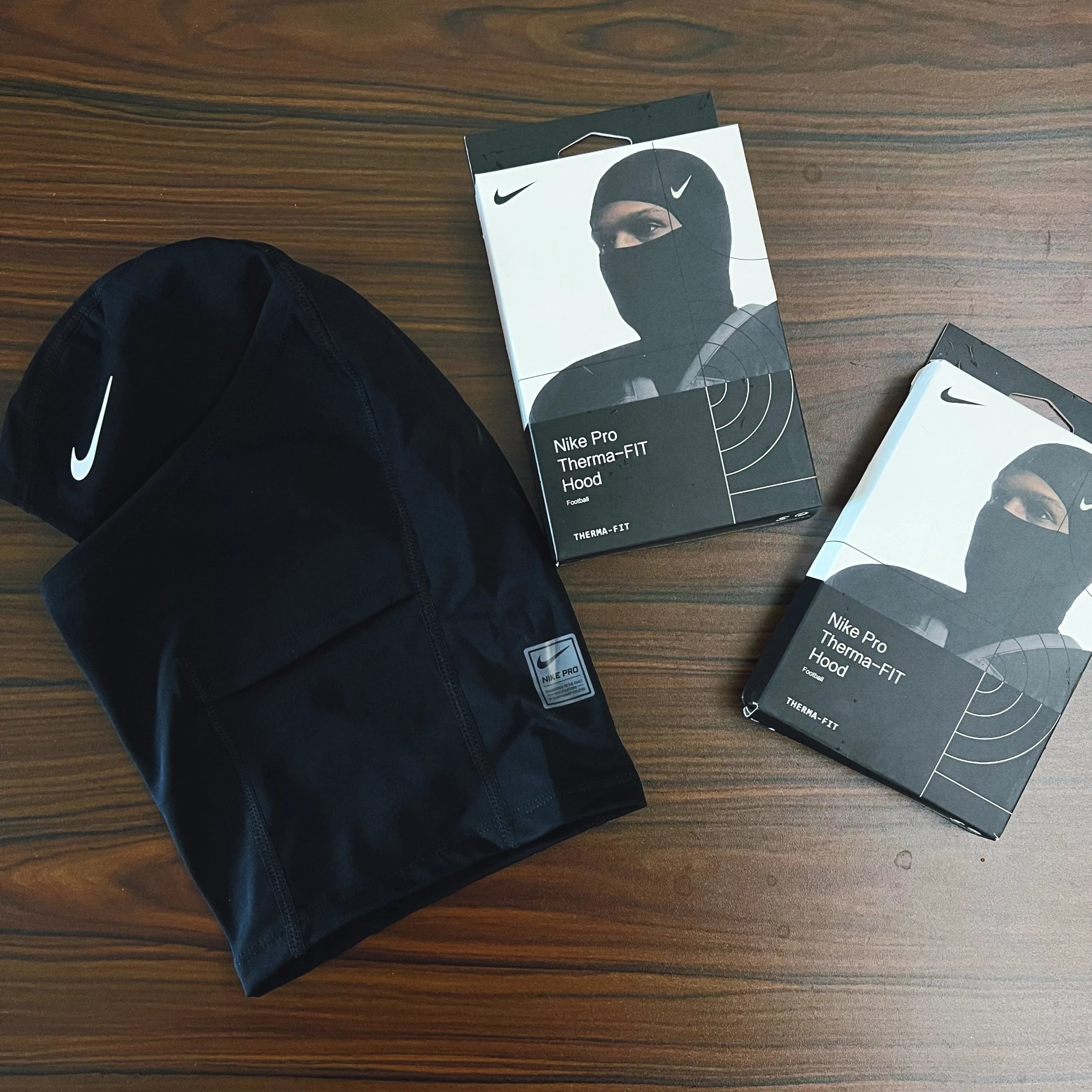
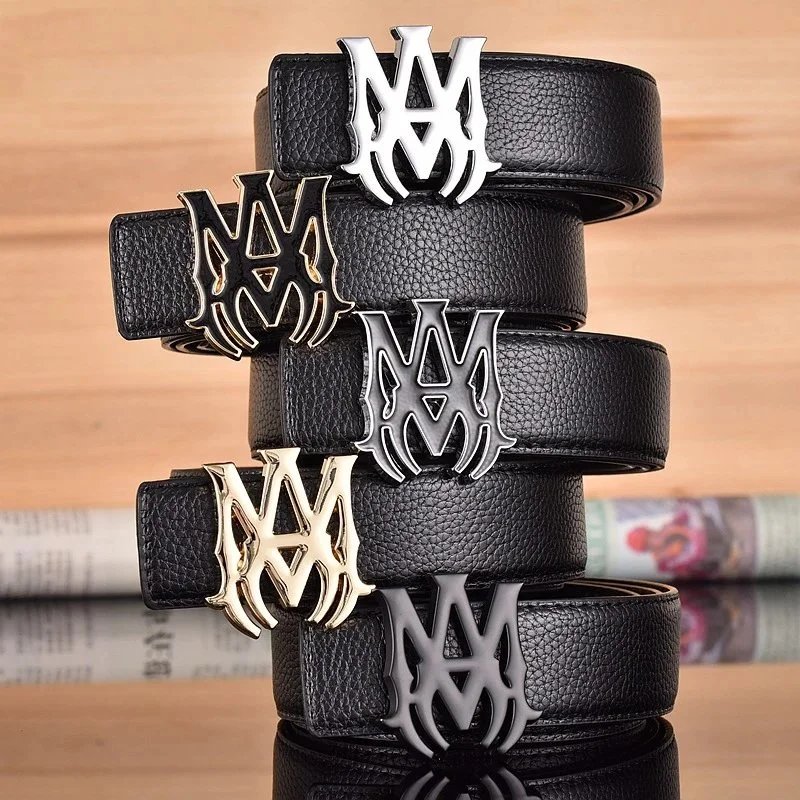
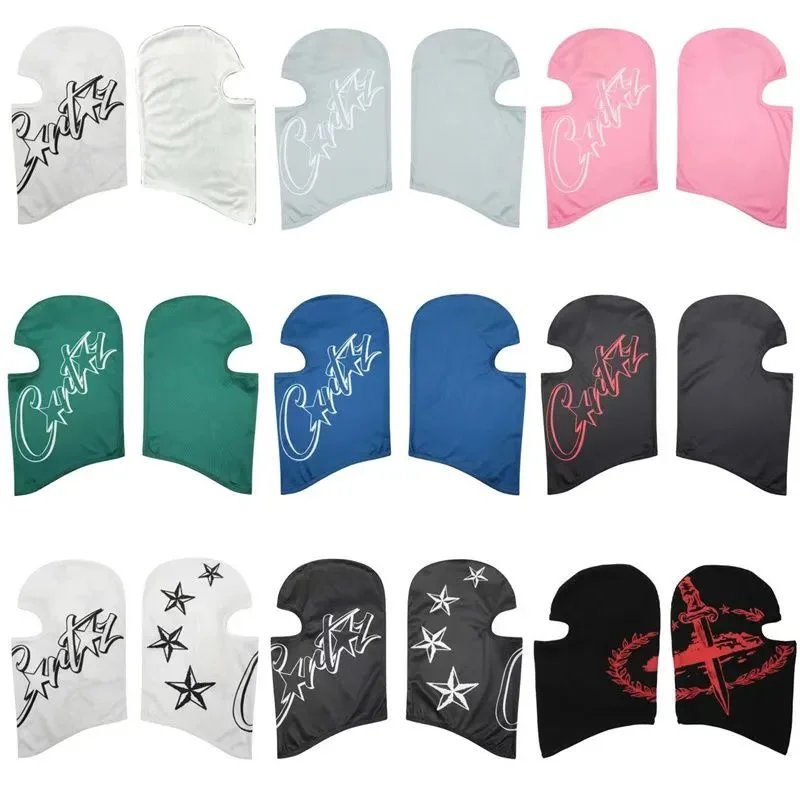
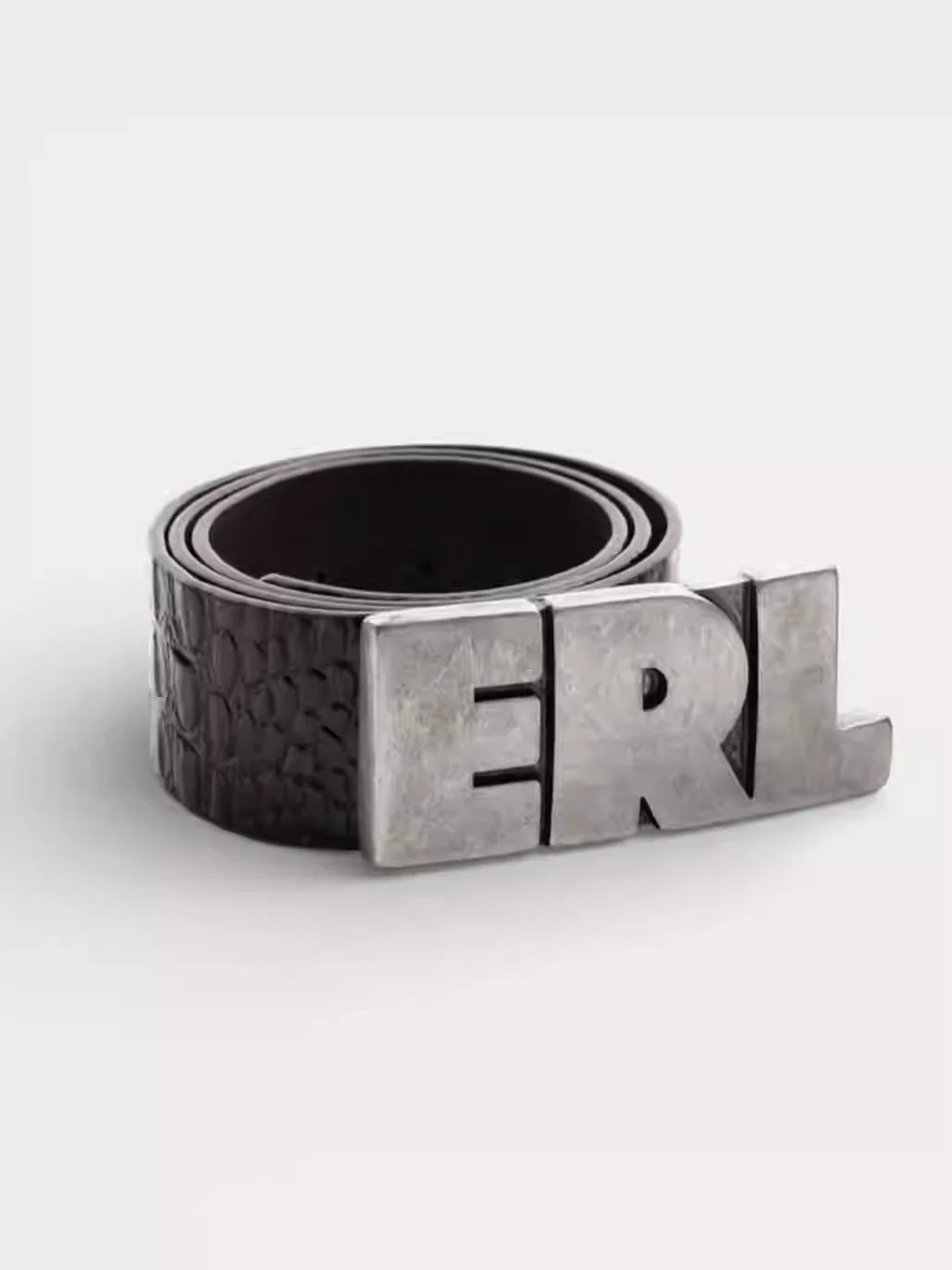
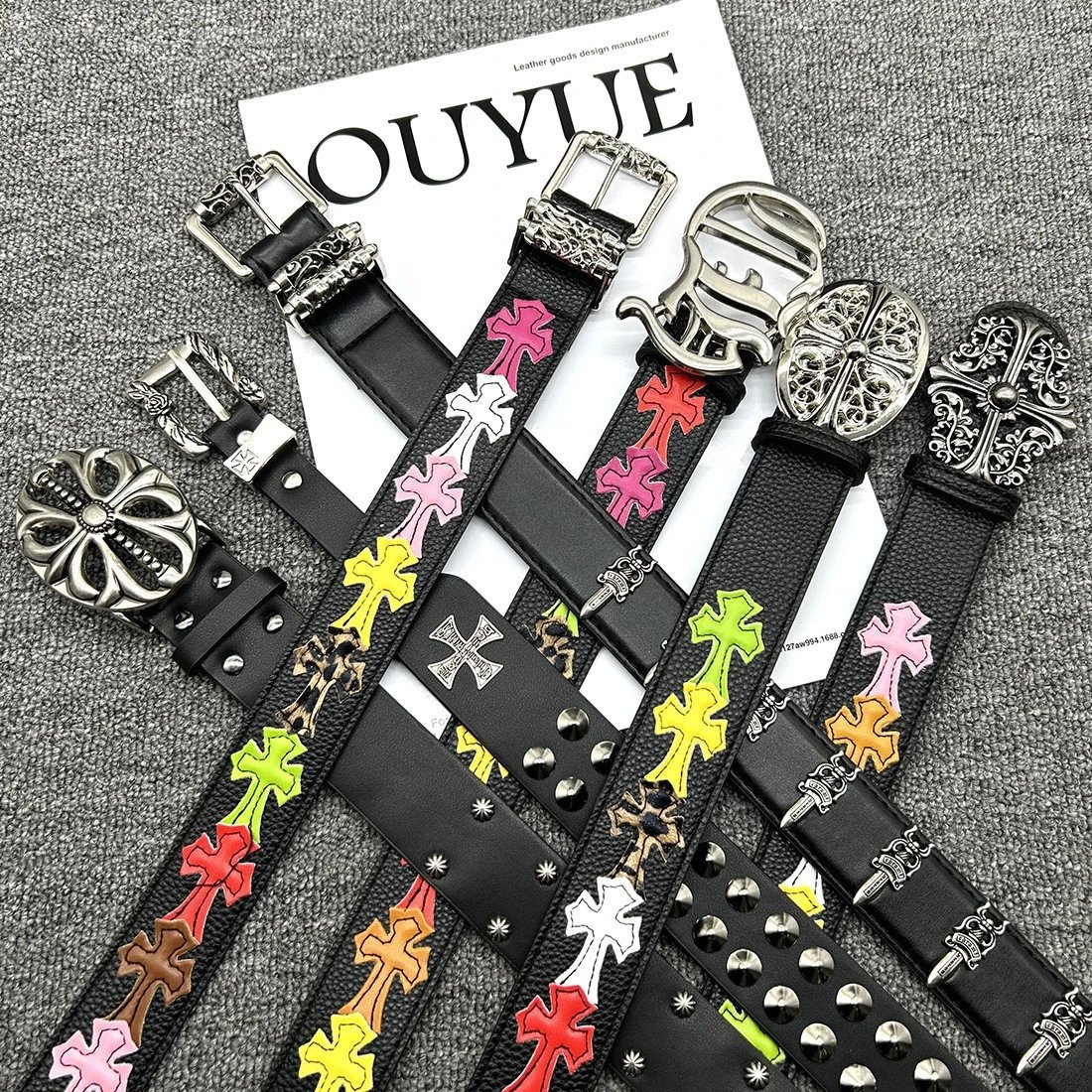
Compare silhouettes, soles and fastening details in the footwear listings. Open a pair to inspect its available style photos and QC references before continuing to EastMallBuy.
Browse shirts, T-shirts, hoodies and other tops by their actual listing. Compare print placement, fabric close-ups and the available options rather than relying on the thumbnail alone.
Explore trousers and shorts, then open the photos for the cut, pockets and hem details. Confirm measurements and the exact option on the destination listing.
Look through jackets and other outer layers. Open individual entries to compare front and back views, zips, collars and the available style previews.
Check what the seller includes in each set. Compare the pictured pieces and option descriptions on the original listing before ordering through EastMallBuy.
Open underwear listings to compare the pictured fabric, seams and pack contents. Verify the exact option and seller measurements before continuing on EastMallBuy.
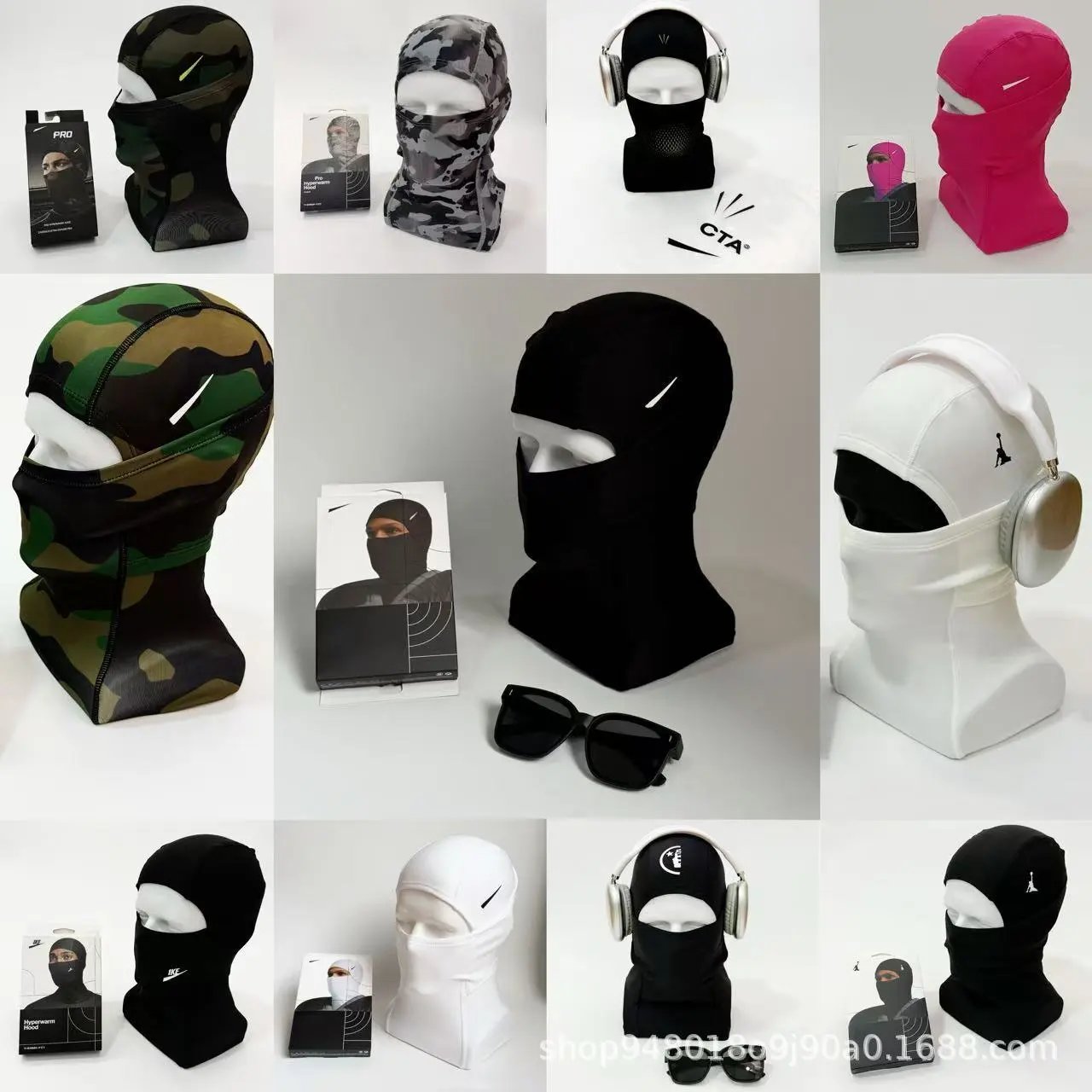
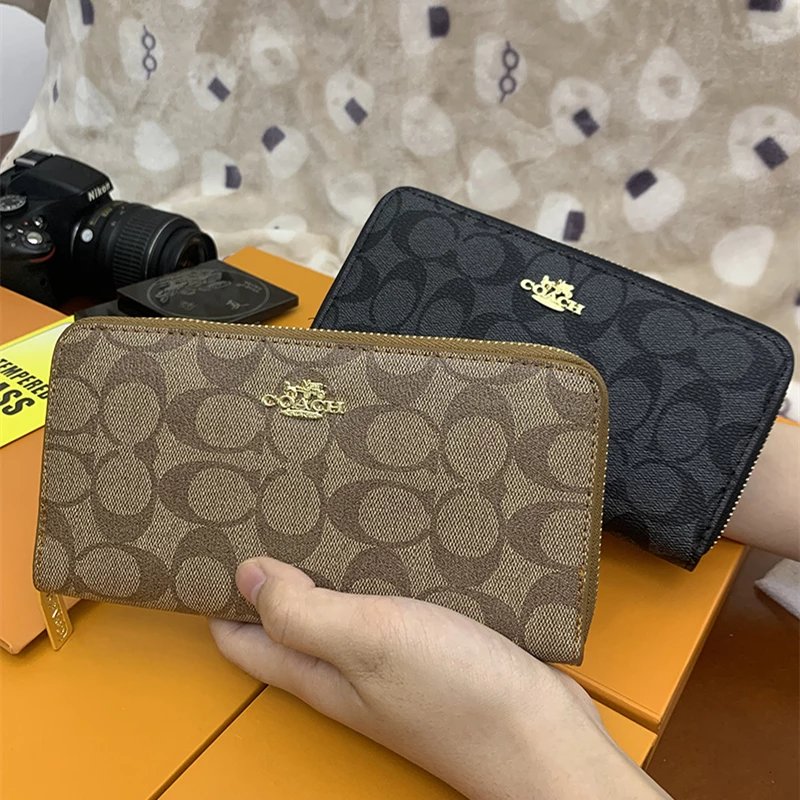
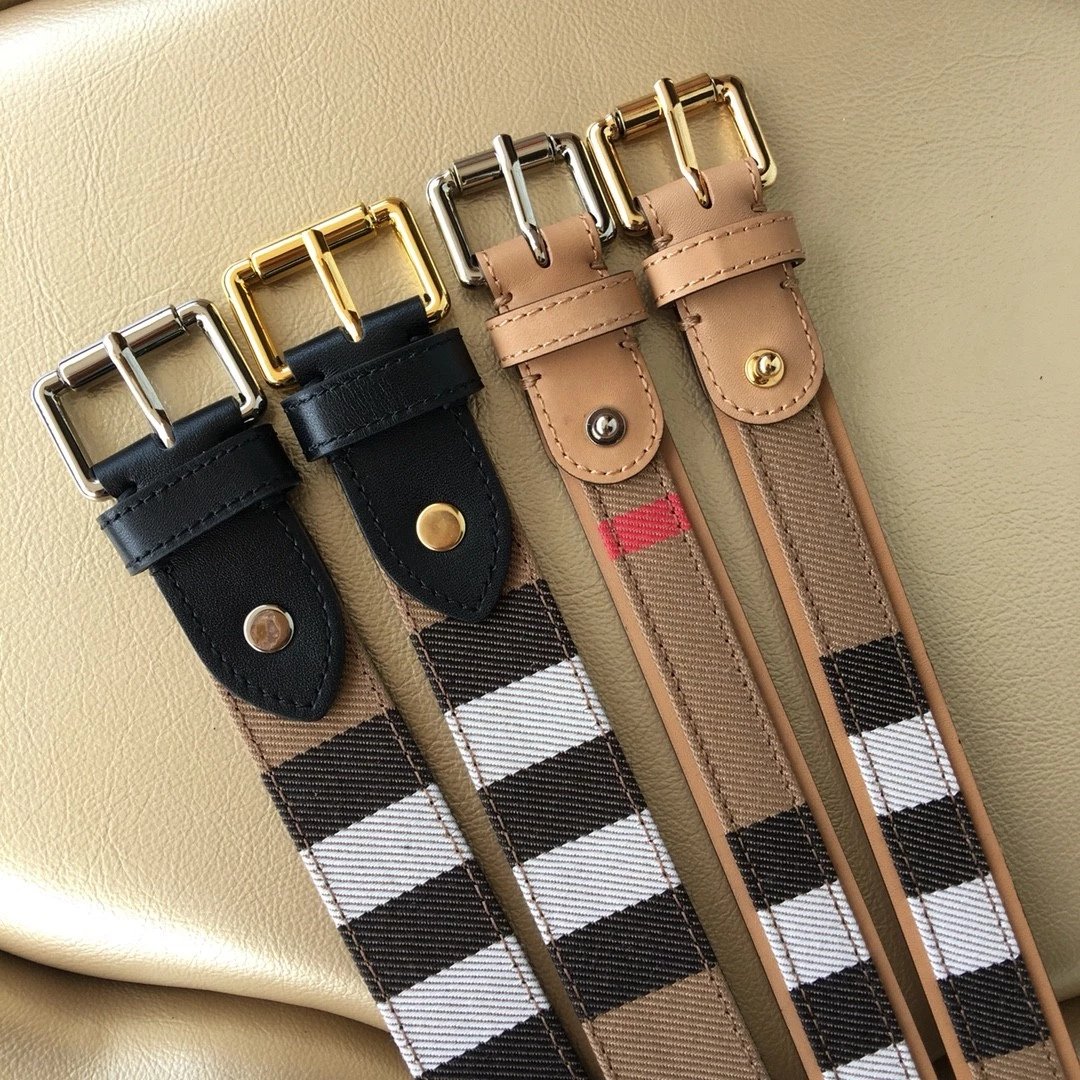
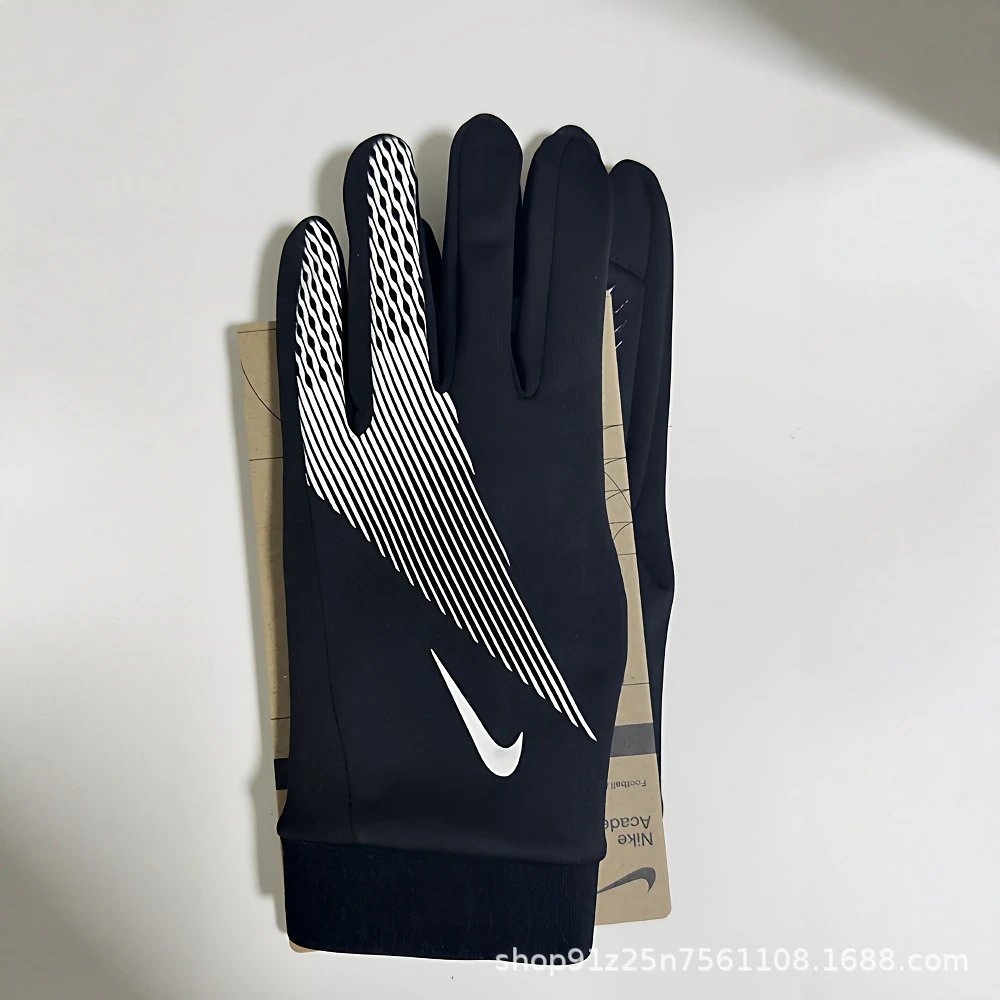
Explore bags, hats, jewellery and other accessories. Open each listing for hardware, closures, markings and available close-up or QC photos.
Browse electronic items by model and pictured configuration. Photos alone cannot establish function or compatibility; confirm specifications on the destination listing.
Explore the remaining product types through their own listings. Keep the original item identity, pictured options and available reference images together.
Product sources, pictures and purchase links.
Start with a name, a category or a reference photo. Open a candidate to compare its gallery, style previews and available QC. Keep the original seller link while comparing similar items: matching photos can belong to different listings. Continue to EastMallBuy when you have identified the listing you want, then confirm the current product and options there.
The button carries the original Weidian listing URL into EastMallBuy’s product search. EastMallBuy may ask you to register or sign in before showing it. Check the seller’s product identity, current options and price on the official page. Opening a link here does not place an order or reserve an item.
Our registration link passes lianglook520 to the Invite users field on EastMallBuy. Product links also include this inviter parameter. Check the field before completing registration. An invitation parameter appearing in a URL does not establish that a later order will earn commission.
Available QC images are existing references associated with the source listing. They are separate from seller photos and are not photos of your future order. Enlarge them to inspect visible details, while checking the style shown. Neither a photo nor the presence of QC guarantees authenticity, current stock or the condition of a later purchase.
Open image search and upload, drop or paste a clear product picture. Compare the returned matches, then inspect each source listing separately. A cropped product view can be easier to compare than a collage or a screenshot filled with unrelated objects. Similarity alone does not establish identical materials, versions or sellers.
Choose a category and brand after entering a short search phrase. Each selection updates the results; sorting changes their order. Remove one active filter if the result is too narrow, or reset to start again. Pagination retains your current search and filters, so you can continue comparing without entering them again.
A style thumbnail only changes the photo preview. You can enlarge the resulting photo to inspect its appearance. It does not add an item to a cart, reserve stock or select the size for an EastMallBuy order. Choose and confirm the current size, colour and quantity again on the official product page.
Use the copy button on the product detail page and wait for its success state. Paste it into your notes to retain the source product identity. If copying fails, check browser clipboard permissions and retry. Save each candidate separately when comparing similar photos, because visually similar listings can have different sellers and item IDs.
Click the main product image or a QC image to open the full image viewer. Move between available photos and zoom in on visible details. Product and style pictures describe the listing’s appearance; QC is a separate set of reference images below. Allow loading to finish before judging whether a photo is unavailable.
The first visit uses USD reference prices. You can choose another supported display currency in the header for comparison. Currency conversion does not lock an exchange rate or a seller price. Confirm the current amount and selected product options on EastMallBuy before placing an order.
A seller may remove a listing or change its available options, and EastMallBuy may require an account before displaying a result. Check the official message and original source link. If the listing is unavailable, search for alternatives by name or image and inspect them as separate products. A saved photo or reference price does not establish current availability.
EastMallBuy Sheetz is an independent product discovery site. Registration, accounts, orders and payments take place on EastMallBuy. We may receive commission through our referral links. A listing appearing here does not mean it has been personally tested or endorsed by EastMallBuy. Compare the available references and verify the current listing before buying.